Accessing Ice Fishing on Your Phone
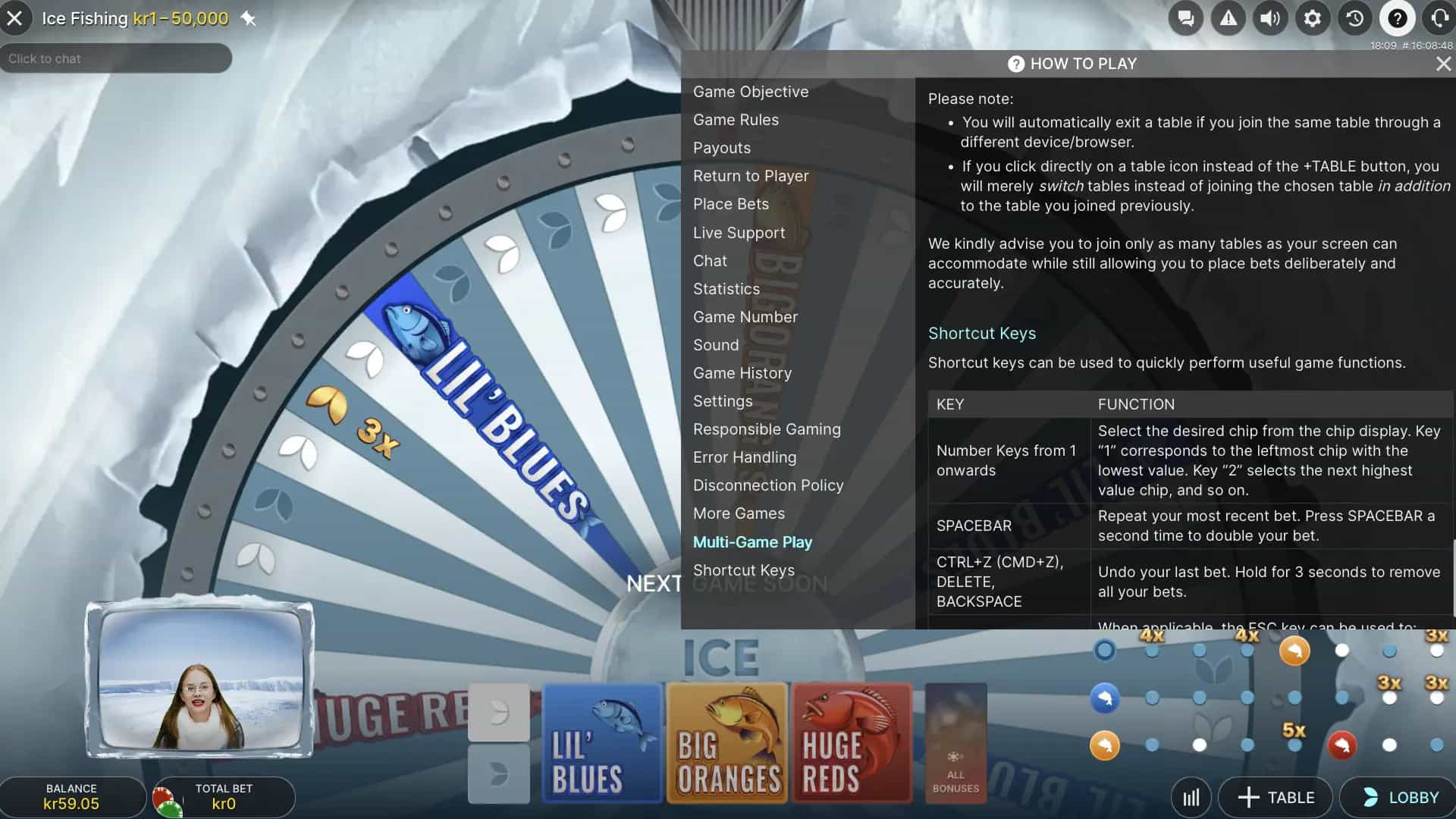
Playing Ice Fishing on a mobile device does not require any specialized software or a dedicated gaming app from Evolution. The game is built using HTML5 technology, which means it runs natively in any modern mobile web browser — Safari on iPhones and iPads, Chrome on Android devices, or any other browser that supports current web standards. To start playing, simply open your casino's website in your mobile browser, log into your account, navigate to the live casino or game show section, and launch Ice Fishing as you would on a desktop computer.
Evolution's responsive design automatically detects your device's screen size and orientation, adjusting the game interface accordingly. Buttons are resized for touch input, the wheel animation scales to fit your display, and the live host video stream is repositioned to remain visible without obscuring the betting controls. The entire experience has been engineered for finger-based navigation, so placing bets, adjusting wager amounts, and interacting with the game feels intuitive on a touchscreen from the very first session.
Loading times on mobile are comparable to the desktop experience, assuming a stable internet connection. The game streams live video from Evolution's studios, so the quality of your connection directly affects the visual fidelity of the host feed and the smoothness of the wheel animation. On a strong Wi-Fi or 4G/5G connection, the experience is virtually indistinguishable from playing on a full-sized computer screen.
Casino Apps That Feature Ice Fishing
While Evolution itself does not publish a player-facing mobile application, many of the online casinos that carry Evolution's games do offer their own downloadable apps. These casino apps provide a curated interface for accessing the full range of games available on the platform, including Ice Fishing and other Evolution game shows. For Canadian players, downloading a casino app can offer some practical advantages over browser-based play, including faster loading, push notifications for promotions, and a more streamlined login experience.
On iOS, casino apps are available through the Apple App Store for platforms that meet Apple's distribution requirements. On Android, the situation is slightly different — Google Play has historically restricted real-money gambling apps in certain regions, so many Canadian-facing casinos distribute their Android apps as APK files directly from their websites. Downloading and installing an APK requires enabling installation from unknown sources in your device's security settings, a straightforward process that most casino sites guide you through step by step.
Regardless of whether you use a dedicated app or the mobile browser version, the Ice Fishing gameplay experience remains identical. The same wheel, the same bonus rounds, the same live host, and the same payout structure are present in both formats. The choice between app and browser ultimately comes down to personal preference regarding convenience features like notifications and saved login credentials.
Device Requirements for Smooth Gameplay
Ice Fishing is not a resource-intensive game by modern smartphone standards, but ensuring your device meets the baseline requirements helps guarantee a smooth, interruption-free experience.
| Requirement |
Android |
iOS |
| Minimum operating system version |
Android 8.0 (Oreo) or later |
iOS 14 or later |
| Recommended browser |
Google Chrome (latest version) |
Safari (latest version) |
| RAM |
3 GB or more |
3 GB or more |
| Internet connection |
Stable Wi-Fi or 4G/5G |
Stable Wi-Fi or 4G/5G |
| HTML5 support |
Required (all modern browsers include this) |
Required (Safari supports this natively) |
Most smartphones released within the past four to five years will comfortably exceed these specifications. If you are using an older device, updating your operating system and browser to the latest available versions can resolve most compatibility issues. The primary concern for mobile play is not hardware power but internet stability — a fluctuating connection can cause the live video stream to buffer or disconnect, which may result in missed rounds or interrupted bonus sequences.
Benefits of Playing on Mobile
Mobile play offers several tangible advantages over the desktop experience, particularly for Canadian players who value flexibility and convenience.
- Location independence — play from home, during a commute, on a break, or anywhere else with a reliable internet connection; the game is available wherever your phone goes
- Complete feature parity — every element of Ice Fishing is present on mobile, including the 53-segment wheel, all three bonus fishing rounds, the live host feed, and the full range of betting options; nothing is simplified or removed for the mobile version
- No installation overhead — because the game runs directly in your browser, there is no need to download, install, or update a separate application; simply open your casino site and start playing
- Touch-optimized controls — the interface is designed for finger input from the ground up, with appropriately sized buttons, swipe gestures, and tap targets that feel natural on a touchscreen
- Promotional notifications — if you use a casino app rather than the browser, push notifications can alert you to bonuses, free spins, and promotions relevant to game shows like Ice Fishing
Mobile vs. Desktop: A Direct Comparison
While the gameplay itself is identical across platforms, the practical experience of playing on each device type has some meaningful differences worth considering.
| Aspect |
Mobile |
Desktop |
| Video stream quality |
High quality on strong connections; may reduce on cellular data |
Consistently high quality on standard broadband |
| Bet placement comfort |
Touch-based; slightly less precise on smaller screens |
Mouse-based; highly precise with larger interface elements |
| Screen real estate |
Compact; wheel and host share limited space |
Spacious; all elements visible simultaneously without overlap |
| Portability |
Play anywhere with an internet connection |
Fixed to one location |
| Multi-game capability |
Limited; running multiple game tabs strains mobile resources |
Easy; multiple browser tabs or windows can run simultaneously |
Neither platform is objectively superior — the best choice depends on your circumstances at any given moment. Desktop play is ideal for dedicated sessions where you want maximum screen visibility and the ability to monitor multiple games. Mobile play excels when you want the flexibility to fit a few Ice Fishing rounds into gaps in your day or when you are away from your computer. Many Canadian players use both platforms interchangeably, choosing whichever is most convenient for the moment.
Optimizing Your Mobile Ice Fishing Sessions
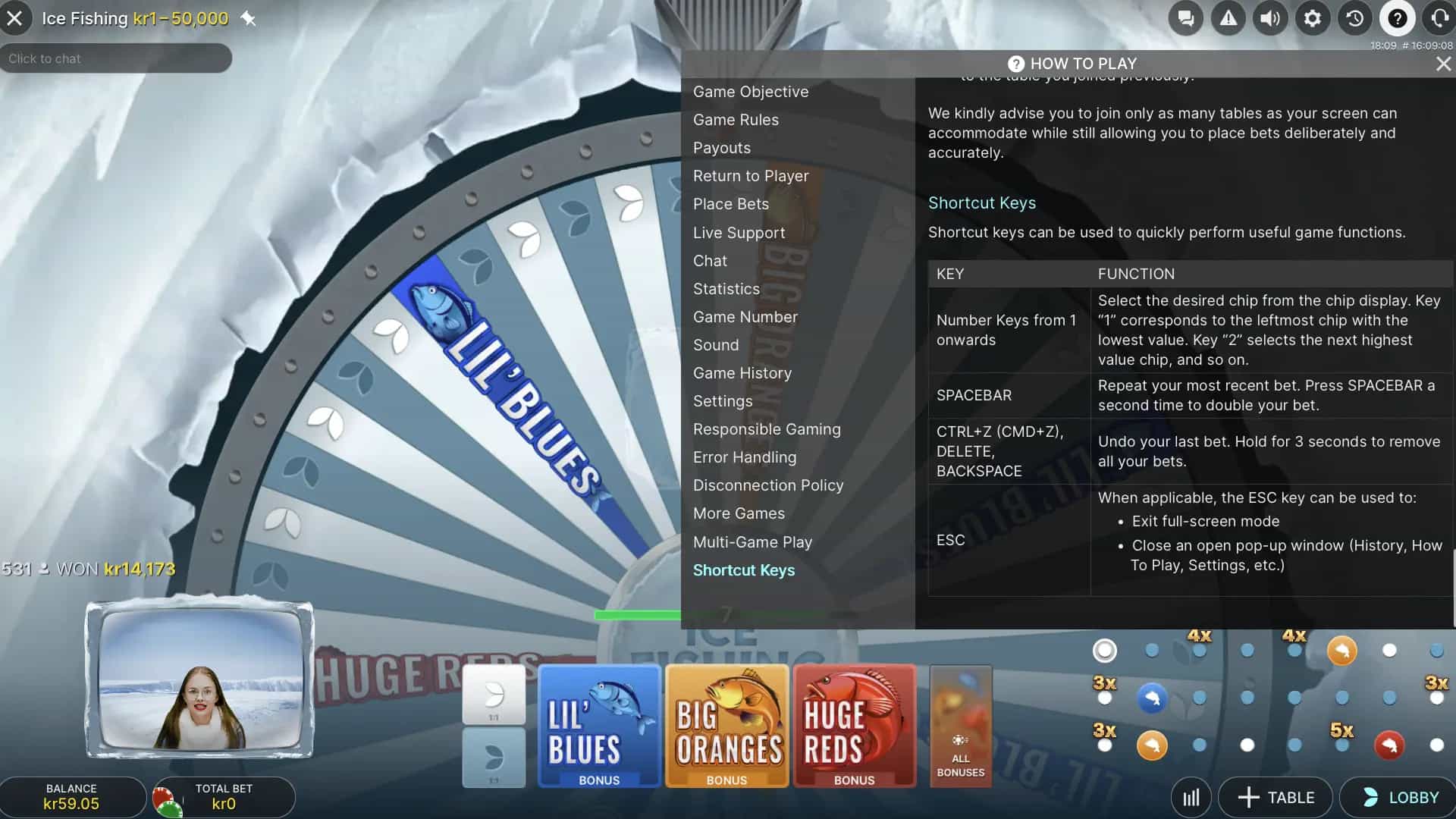
A few simple adjustments can significantly improve the quality of your mobile gameplay experience.
- Prioritize Wi-Fi over cellular data — the live video stream that powers Ice Fishing's host feed consumes bandwidth continuously; a stable Wi-Fi connection delivers more consistent video quality and reduces the risk of disconnections compared to mobile data, particularly in areas with variable cellular coverage
- Activate Do Not Disturb mode — incoming calls, text messages, and app notifications can interrupt gameplay at critical moments, including during bonus round reveals; enabling Do Not Disturb ensures that your session proceeds without unwanted interruptions
- Rotate to landscape orientation — while Ice Fishing works in both portrait and landscape modes, the horizontal layout provides a wider view of the wheel and more comfortable placement of betting controls; landscape mode is particularly beneficial during bonus rounds where the fishing animation benefits from additional screen width
- Close background applications — running multiple apps simultaneously divides your device's processing power and available RAM; closing unused apps before launching Ice Fishing ensures smoother animation, faster loading, and more stable streaming performance throughout your session
These steps take only a minute to implement but can make a noticeable difference in how the game performs on your device. The combination of a strong connection, uninterrupted focus, and optimized device resources creates the best possible conditions for enjoying everything Ice Fishing has to offer on mobile.
Canadian players who commute by transit, travel frequently, or simply prefer the couch to the desk will find that mobile Ice Fishing delivers the full game show experience without compromise. The technology behind Evolution's mobile optimization has matured to the point where the gap between mobile and desktop play has effectively closed — the same wheel spins, the same fish get reeled in, and the same multipliers apply regardless of the screen size you are watching on. The only variable is your internet connection, and with the widespread availability of fast Wi-Fi and 5G networks across Canada, even that consideration has become less of a barrier than it once was.
Managing Your Bankroll on Mobile
Mobile play introduces unique bankroll management considerations that desktop sessions do not. The convenience of having Ice Fishing available at any moment means the boundary between playing time and non-playing time becomes more permeable. On a desktop, you consciously choose to sit down at your computer and open the casino site — there is a deliberate transition from not-playing to playing. On mobile, the game is always one tap away, which can lead to impulsive sessions during idle moments that you would not have planned otherwise.
To counteract this tendency, establish clear guidelines for when and how you play on mobile. Set a daily or weekly time limit for mobile gaming sessions and track your play duration using your phone's built-in screen time tools. Many casino apps also include session timers and spending trackers that can help you stay within your planned budget. Treat mobile Ice Fishing the same way you would a desktop session — with a predetermined budget, a time limit, and the discipline to stop when either threshold is reached.
Open the Current Mobile Route
Another mobile-specific consideration is the risk of accidental bets. Touchscreens are more prone to unintended taps than mouse-based interfaces, and a misplaced finger during the betting window can result in a wager you did not intend to place. Take extra care when placing bets on mobile, and familiarize yourself with the game's undo or bet adjustment functions during demo play before wagering real money. The slightly smaller touch targets on a phone screen make deliberate, careful interactions more important than on a desktop where the interface elements are larger and the input method is more precise.
Connectivity Considerations for Canadian Players
Canada's geography creates some unique connectivity challenges for mobile gaming. While urban centres like Toronto, Montreal, Vancouver, and Calgary enjoy widespread access to fast cellular networks and Wi-Fi hotspots, players in rural or remote areas may encounter connectivity limitations that affect the Ice Fishing streaming experience. Understanding these factors helps you plan your mobile sessions for optimal performance.
When playing on cellular data, network congestion during peak hours can cause the live video stream to degrade or buffer. This typically manifests as reduced video resolution rather than a complete disconnection — the game mechanics continue to function, but the visual quality of the host feed may decrease temporarily. If you notice frequent buffering during cellular play, switching to a Wi-Fi connection will almost always resolve the issue. Public Wi-Fi networks at cafes, libraries, and similar venues can work, but be aware that shared networks may have bandwidth limitations and that playing casino games on public Wi-Fi introduces minor security considerations.
For players who regularly travel between areas with varying connectivity quality, Evolution's platform includes automatic quality adjustment that scales the video stream to match available bandwidth. The game will reduce video resolution before dropping the connection entirely, ensuring that gameplay can continue even on slower connections. If your connection drops entirely during a round, the game's server-side logic ensures that any pending bets are resolved correctly and any winnings are credited to your account — you will not lose money due to a disconnection, though you may miss the visual experience of watching the wheel stop or the bonus fish reveal.
Security Best Practices for Mobile Casino Play
Playing Ice Fishing on a mobile device involves transmitting personal and financial information over wireless networks, which introduces security considerations that responsible players should address proactively.
- Use strong authentication — enable two-factor authentication on your casino account if the platform offers it; this adds a layer of protection beyond your password that prevents unauthorized access even if your login credentials are compromised
- Keep your device updated — operating system and browser updates frequently include security patches that address known vulnerabilities; playing on an outdated device increases the risk of exposure to security threats
- Avoid public Wi-Fi for real-money play — while public networks are convenient, they are inherently less secure than private connections; if you must play on public Wi-Fi, consider using a VPN to encrypt your traffic
- Lock your device — enable biometric authentication (fingerprint or face recognition) or a strong PIN on your phone to prevent unauthorized access to your casino app or browser session if your device is lost or stolen
- Log out after sessions — rather than relying on auto-login features, manually log out of your casino account after each session; this prevents anyone who gains physical access to your unlocked device from accessing your gambling account and funds
These precautions take minimal effort to implement but provide meaningful protection for your account and personal information. The convenience of mobile play should not come at the expense of basic security hygiene, and a few simple habits can ensure that your Ice Fishing sessions remain both enjoyable and safe.
Tablet Play — The Best of Both Worlds
While much of this guide has focused on smartphone play, tablets deserve special mention as a compelling middle ground between mobile convenience and desktop visibility. iPads, Samsung Galaxy Tabs, and similar devices offer significantly larger screens than phones while retaining the portability and touch-based interface that define mobile gaming. The additional screen real estate means that Ice Fishing's wheel, host video, and betting controls can all be displayed at comfortable sizes simultaneously, eliminating the cramped feel that smaller phone screens can sometimes produce.
For dedicated game show players, a tablet may represent the ideal device for regular sessions. The larger display makes it easier to read segment labels on the wheel, monitor betting positions, and watch the bonus round fishing animation with full visual clarity. The touch controls work identically to a phone, and the device can be propped up on a stand for hands-free viewing during the wheel spin phase, freeing your hands and creating a more relaxed viewing experience. Battery life on modern tablets is generally excellent, supporting extended gaming sessions without the need for frequent recharging.
Evolution's responsive design handles tablets seamlessly, automatically detecting the larger screen dimensions and adjusting the interface layout to take advantage of the available space. The result is an experience that looks and feels closer to the desktop version while maintaining all the convenience benefits of mobile play. For Canadian players who want the most comfortable mobile Ice Fishing experience without being tethered to a desk, a tablet is worth considering as your primary gaming device.